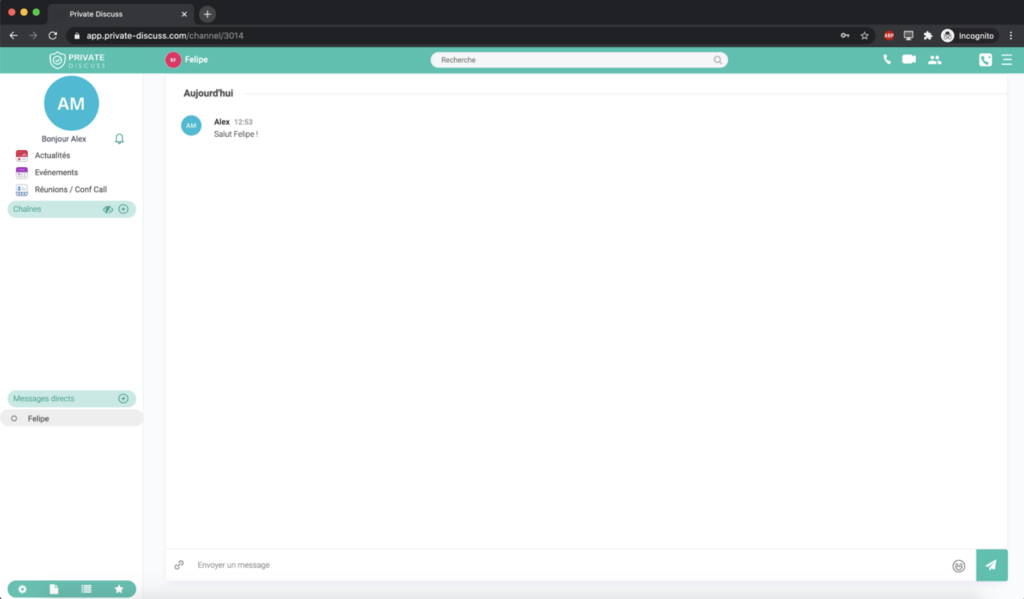
Send a message live
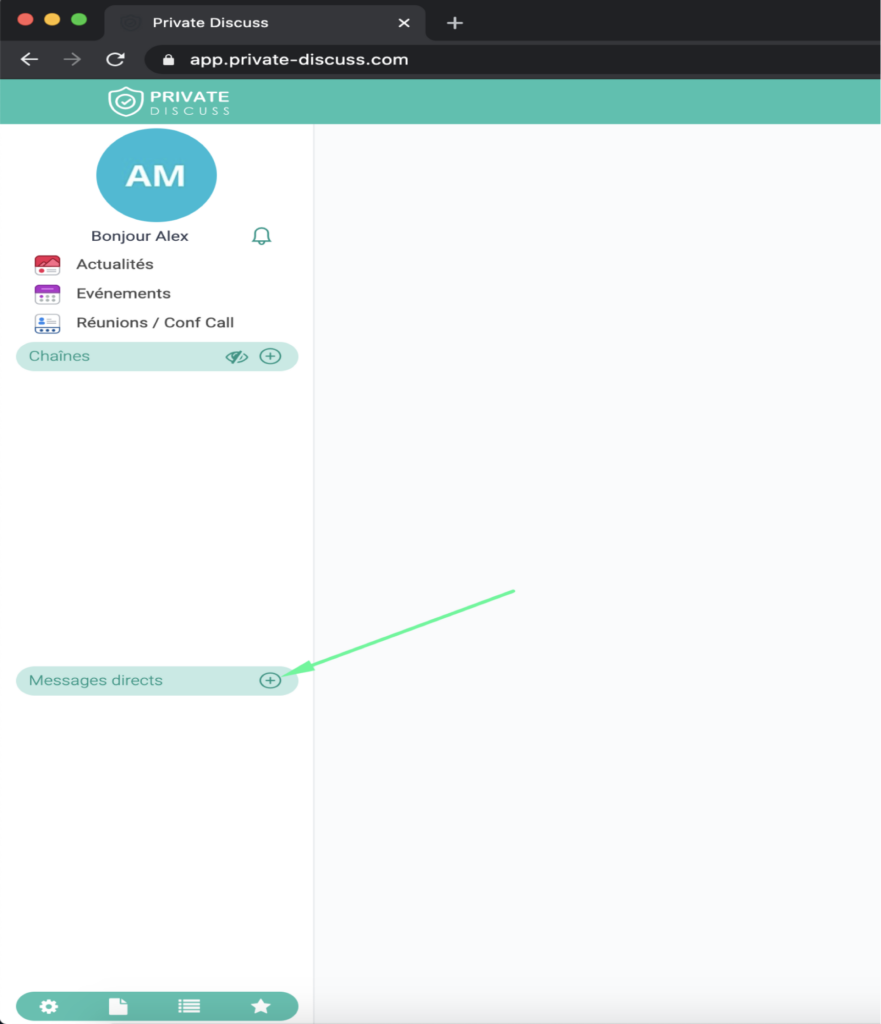
You want to send a direct message to another member of Private Discuss. To do this, access your Private Discuss account then click on the icon “+” in the bar “ Direct Messages”.
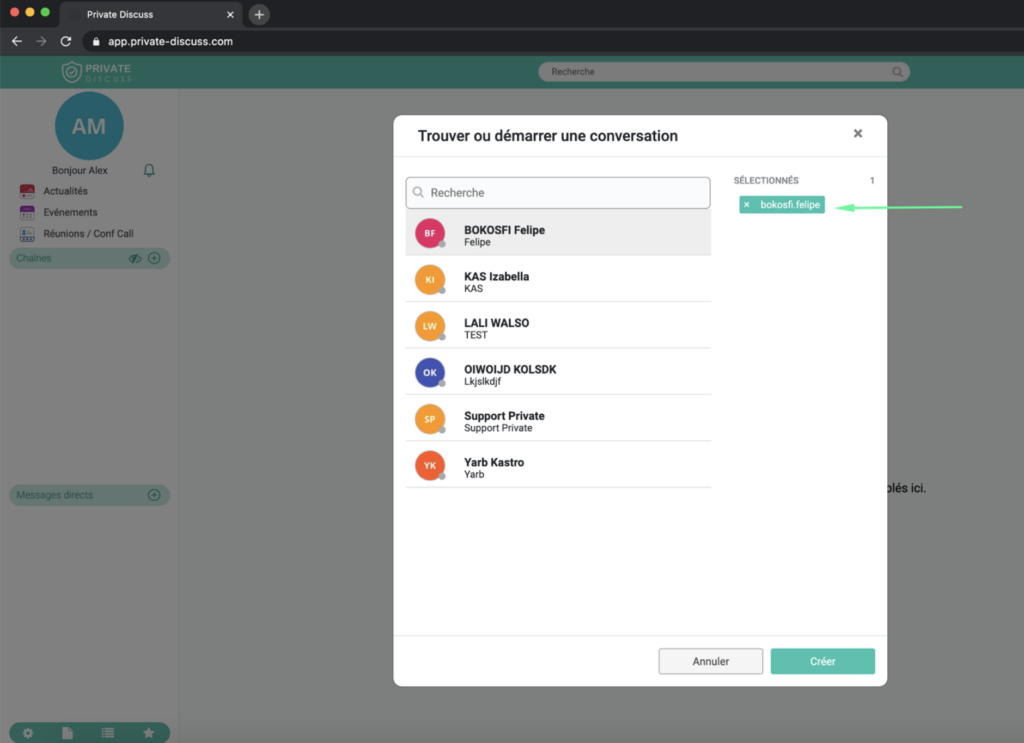
Type the name of the user you want to message in the search bar, then click “Create”.
 >
>
Click on the field “Send a message” which is in bottom center of your screen, then type your message. Once your message is written, click on the icon “Send” . This button is located to the right of the compose field.
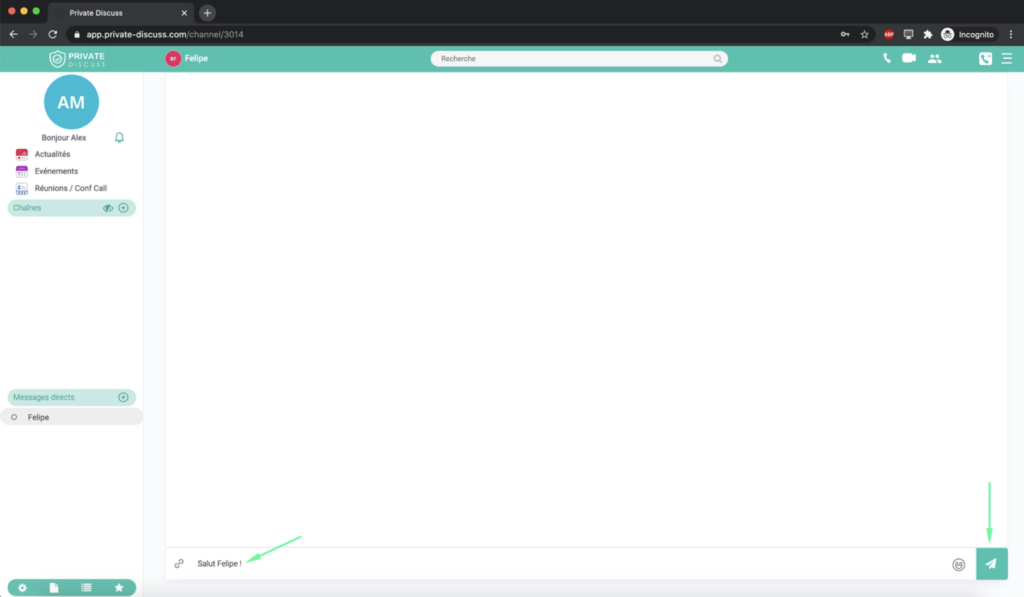
Your message has been sent.